IX1 APK · India
IX1 APK Download for Android - Latest Version Ready
Get a clean install path for the latest IX1 APK. Simple steps, faster setup, ready to play.
Open IX1 Need login help?
Branch 0
Before blaming Android — three quick checks
- Confirm the download page/source looks consistent and is not pushing unrelated APKs
- Free storage: leave room for the package plus cache (near-full phones fail installs often)
- Use one steady connection; avoid switching Wi-Fi ↔ mobile mid-download
If the file size looks truncated or the installer exits immediately, delete it and download once more before changing more settings.
Branch 1
Android blocks the install (unknown apps)
Modern Android gates sideload per browser or file manager. Enable install access only for the app that downloaded the IX1 file.
- Open Settings → Apps / Special app access → Install unknown apps (wording varies by OEM)
- Select Chrome, Files, or your browser → allow for this source
- Open the APK → install → open IX1 once
- Return and disable install access for that source
Android 10–11: often under Security / Privacy. Android 12–14: usually per-app “Install unknown apps”. Samsung/Xiaomi/Realme menus differ — search Settings for “unknown”.
Branch 2
Install starts then fails
Common causes: incomplete APK, conflicting older build, or storage pressure during unpack.
- Delete the failed APK download
- Clear only the package installer cache if your OEM exposes it — avoid wiping unrelated data
- Download a fresh file on Wi-Fi if mobile data is unstable
- Retry install once; if it still fails, note the exact on-screen error text
Branch 3
Permission prompts that should make you stop
Network and storage can be expected. Pause if an IX1-labelled package demands SMS, contacts, call logs or accessibility control without a clear product reason.
- Read each permission line before tapping Allow
- Deny anything that does not match gameplay/account use
- Do not “fix all” to finish faster
- If the package feels wrong, uninstall and return to a trusted source path
Branch 4
Updates and modified-looking files
Treat updates like first installs. Prefer the same trusted path; reject renamed “mod”, “unlimited”, or mirror files that ask for extra loaders.
After update: open the app once, confirm login still works. Login failures after a good install belong on the login page, not in more APK loops.
Screen guide
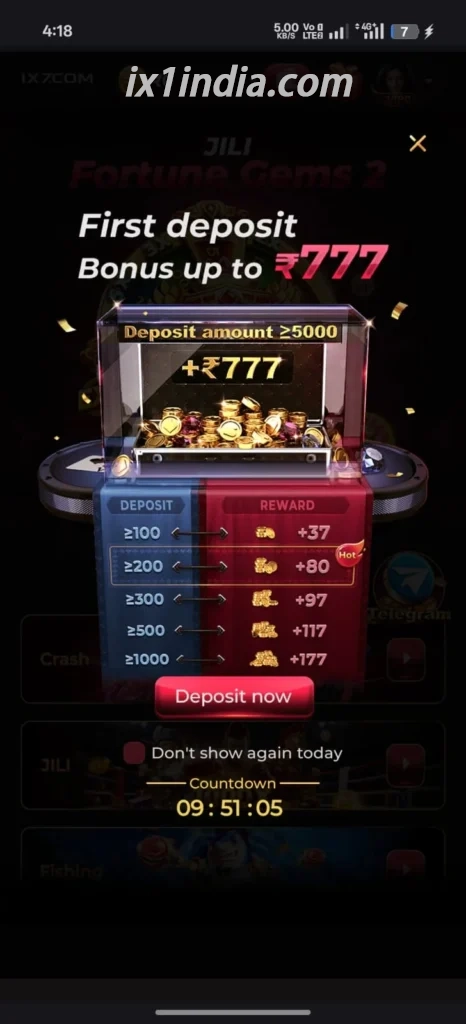
IX1 Android layout examples
Screenshots help recognition only — follow the live prompts on your device.


Next
After install works
APK FAQ
Short answers
Should unknown-app permission stay on?
No. Disable it after IX1 installs successfully.
Install blocked on Android 13/14?
Use per-app Install unknown apps for the browser/file manager that holds the APK, then disable afterward.
App installed but cannot log in?
Leave this page — use the login fix path.
Which APK should I use?
Use the trusted download path on this site for a clean, familiar install.